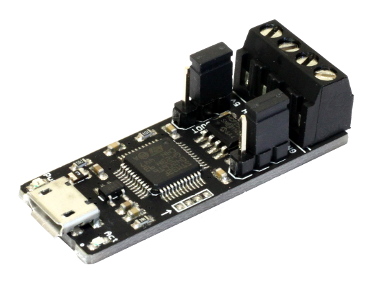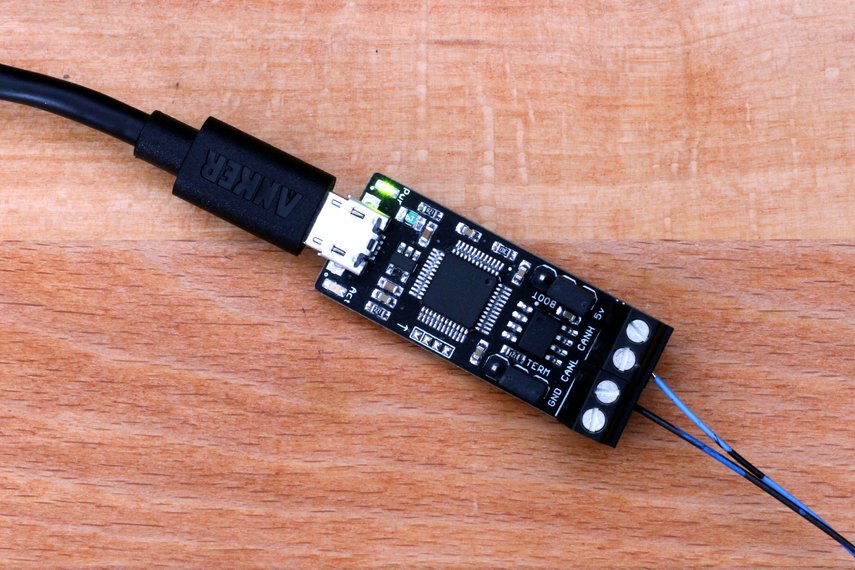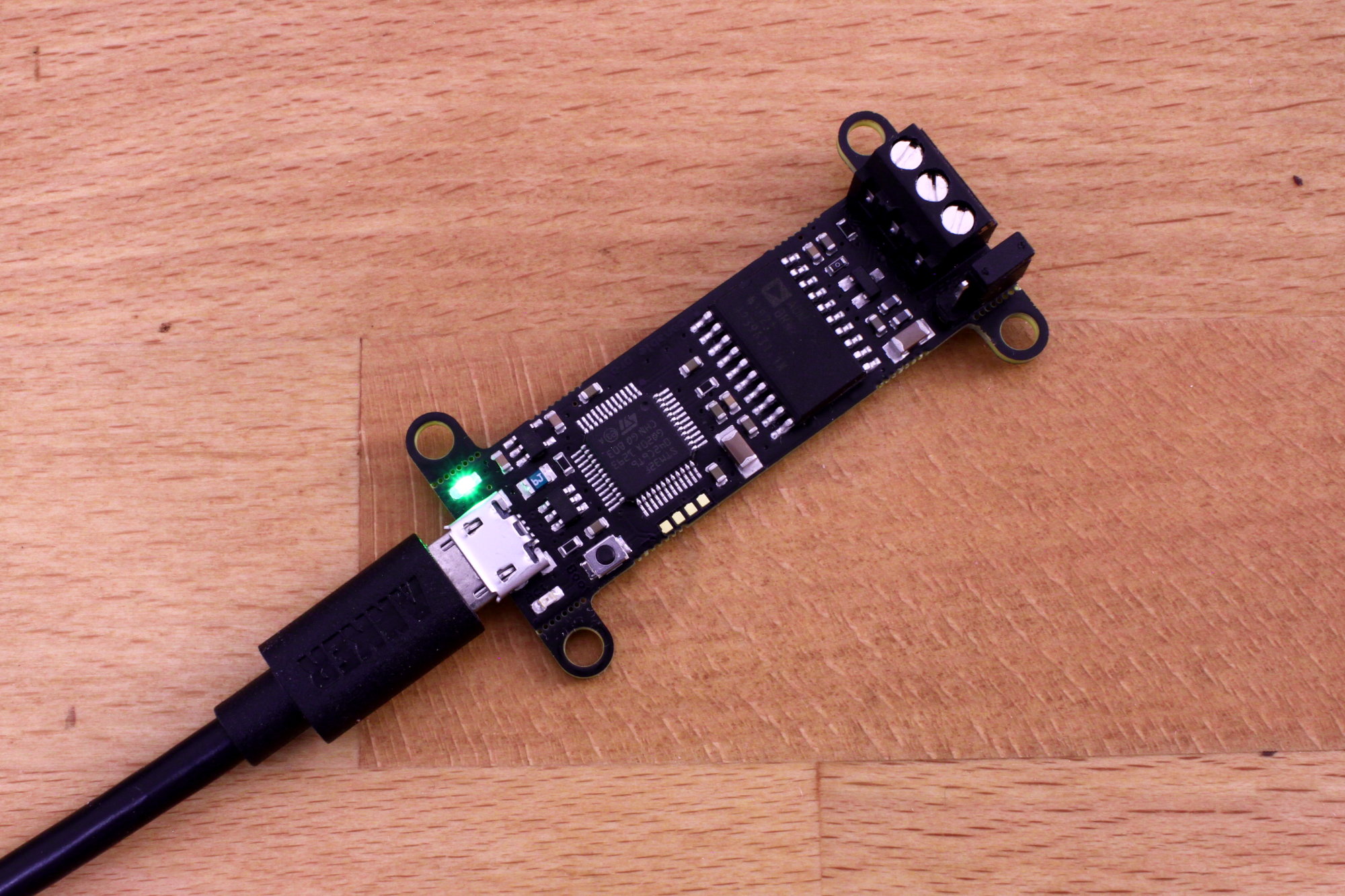
The CANable Pro is a low-cost fully isolated USB to CAN adapter. Connect to any CAN2.0A/B network without worrying about common mode offset, ground noise, or damaging your computer! The CANable Pro is open-source hardware that is manufactured in the USA.
The CANable Pro provides the same serial-line CAN interface on Windows, Linux, and Mac as the original CANable but also features breakaway mounting holes, enhanced ESD protection on both CAN and USB, and full galvanic isolation.
Just like the original CANable, the CANable Pro supports the alternative candlelight firmware which enumerates as a native CAN interface on Linux for ease of integration into embedded systems and works with the cangaroo software on Windows and Linux for easy viewing and transmitting of CAN packets.
CANable Pro is now in stock at the Protofusion Labs store
Features
- Supports CAN2.0A and B, baud rates up to 1M
- Full galvanic isolation
- Breakaway mounting points
- Additional ESD/transient protection on CAN and USB interfaces
- Serial-line can (slcan) interface for Mac, Windows, and Linux
- Native Linux and enhanced Windows support with candlelight firmware
- 3-pin screw terminal with CANH, CANL, and GND
- Button for entering the bootloader
- Jumper to enable/disable termination
- Made in the USA!